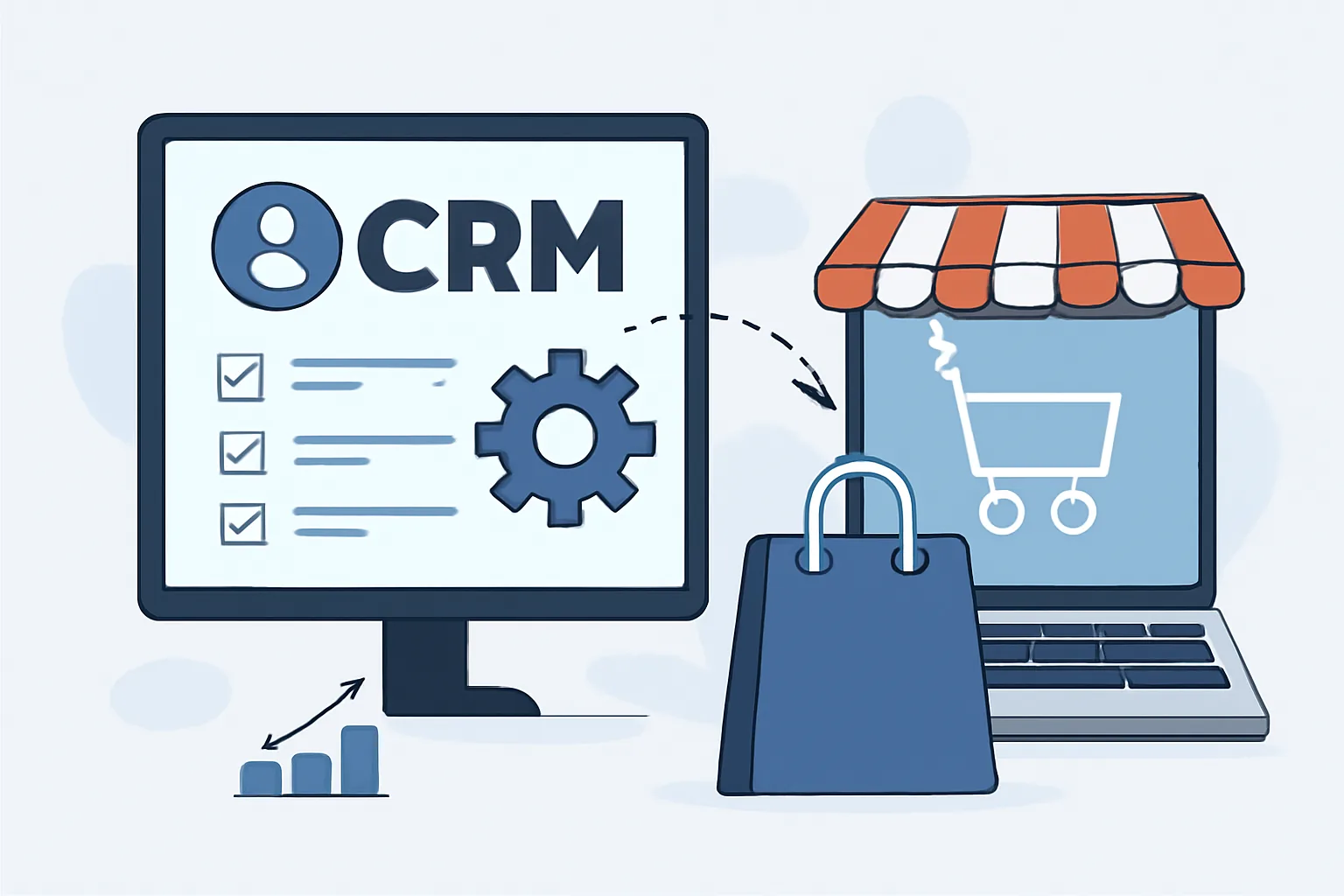
What CRM and online store integration is
CRM and online store integration is a setup where orders, contacts, payments, delivery statuses, and customer inquiries all flow into one system instead of living in separate silos. In practice, that means a manager sees not just the order number, but also purchase history, lead source, notes, returns, and sometimes even email engagement. Without this connection, information gets split across 3–4 spreadsheets and lost along the way.
In a well-configured setup, the CRM and the store exchange events almost in real time: the customer places an order, payment goes through, the item ships, the status changes. If the store and CRM use different field names or status logic, it’s better to catch that at the start than after 200 orders. Otherwise, managers end up checking records manually, and that’s not integration anymore — that’s an Excel back-and-forth.
The most valuable part is simple: one customer — one profile. In it, you can see 5 orders, 2 support requests, and one return, not three separate records under different names. For a store with repeat purchases, that quickly turns into revenue, not vague “digital transformation.”
If you want a deeper look at how this connection affects site structure and the customer journey, it’s worth reading Corporate Website: Structure That Actually Works. It clearly shows why a messy structure can break even a strong product.
Key benefits for sales and order processing
The first benefit is speed. When an order goes straight into the CRM, the manager doesn’t spend 10 minutes entering data by hand, but instead sees a ready-made profile and can immediately confirm the purchase, уточнить the address, or suggest an upsell. In a team handling 30–50 orders a day, that’s a noticeable time saver. This is exactly where order processing automation in CRM becomes especially visible.
The second benefit is fewer mistakes. People tend to mix up phone numbers, addresses, and delivery options, especially when a manager is copying details one by one from a form, messenger, and email. CRM removes 2–3 extra manual steps, and with them the usual errors: duplicates, wrong statuses, forgotten customer notes.
There’s also a more practical effect: sales stop depending on one employee’s memory. If a manager goes on vacation, their orders don’t disappear. The next person opens the CRM and sees what was already promised to the customer, where payment got stuck, and which item needs to be set aside. That’s not a luxury — that’s basic discipline.
For teams where site stability and internal workflows matter, it’s also useful to keep website support pricing close at hand. As a store grows, post-launch support becomes part of daily operations, not a formality.
How CRM improves customer database management
CRM gathers buyer behavior into one history: what they bought, when they ordered, which category they lingered on, which email they opened. These fragments build a database you can work with more precisely, instead of blasting everyone with the same message. For example, customers buying kids’ products don’t need a generic email about the entire catalog if they’ve only ever purchased consumables.
Segmentation in CRM lets you split the audience by 4–6 factors: purchase frequency, average order value, traffic source, city, return history, and response to past campaigns. That’s no longer mass mailing — that’s targeted work. One customer gets a reminder to repurchase in 21 days, another gets an accessory offer, a third gets a short post-purchase guide.
The customer starts to feel that the store remembers them. On paper, that sounds minor. In reality, personalized communication reduces irritation and increases the chance of a repeat order, especially when the email avoids empty phrases and pushy banners.
A good CRM also helps with manual work. The manager sees that the customer already complained about sizing, and doesn’t ask the same 2 questions again. Less repetition means a better conversation.
Impact on marketing and customer retention
Without CRM, marketing quickly turns into a set of disconnected promotions. Today there’s a discount campaign, tomorrow nobody remembers who saw it, and the next day no one knows who returned to buy again. CRM turns customer behavior into chains of actions, and from those you can build email campaigns, triggers, and abandoned cart reminders.
For example, someone adds a product to their cart and leaves. After 2 hours, the CRM can send a gentle reminder, after a day — an email answering a common question, after 3 days — a message saying the item is still in stock. Three touchpoints often work better than one aggressive “buy now before it’s gone” email.
How CRM helps bring customers back is especially noticeable in stores with regular replenishment cycles: cosmetics, pet food, household chemicals, accessories. If the CRM knows the purchase cycle, it doesn’t guess. It reminds the customer on time, not after they’ve already ordered from a competitor.
That’s exactly where the benefits of integrating CRM with an online store and ecommerce CRM integration become clear: the marketer sees not abstract traffic, but real segments with different purchase histories. And that changes the logic of the entire communication strategy.
Improving service and support quality
Support works faster when the manager can see the order and contact history right in front of them. The customer doesn’t have to explain from scratch that the order was delayed, then partially returned, then the address changed again. CRM keeps that chain, and the employee responds with context.
In day-to-day work, that saves minutes and sometimes even reputation. If someone writes to support for the second time in a week, they don’t want to repeat their entire purchase history. They want a straight answer, ideally without the phrase “please send your order number again.”
Another practical plus is communication quality control. A manager can see who replies too slowly, where recurring issues happen, and at what stage customers most often drop off. This helps not only catch mistakes, but also fine-tune scripts without making them too rigid.
If the store handles high traffic or sensitive data, it’s worth thinking about security in advance. A useful reference is website security, because CRM and online stores often share not only data, but also risks.
Which business processes get automated
Most often, 5–7 processes are automated: lead transfer, order status updates, customer notifications, task assignment to managers, stock synchronization, and repeat touchpoints. On paper that sounds dry, but in real operations it saves hours every week.
Moving a lead from a form into the CRM removes one manual step. Updating the order status removes a second. Notifying a manager about an unanswered message removes a third. In the end, the workflow becomes shorter, and the order doesn’t get stuck in an intermediate state.
Stock synchronization is especially important for stores with limited inventory. If the CRM and the store show different numbers, a customer may pay for something that’s no longer available. After that comes an unpleasant chain of emails, refunds, and apologies that one correct setup could have prevented.
Automatic tasks for managers also make a difference. For example, if a customer hasn’t paid for 24 hours, the CRM creates a task to call or send a reminder. If the order changes to “delivered,” the system can send a review request. These small touches add up to a noticeable result.
Possible integration challenges and how to avoid them
The main problem isn’t the CRM itself, but how the store and CRM understand the same entities. One status may be named differently, and the “address” field in the store can sometimes become 3 separate fields in the CRM. Without a sync plan, confusion starts immediately.
There’s also the risk of duplicates. If a customer places an order using one email and then submits a request by phone, the system may create two profiles. A week later, that turns into duplicate mailings and extra calls. The fix is contact-matching rules, not faith in employee precision.
Another common mistake is trying to automate everything at once. It’s better to launch 2–3 scenarios, test the logic, and only then expand the process set. Otherwise, the team may feel that automation gets in the way instead of helping.
If the project involves unusual infrastructure, it may help to look at the case study S4M — private network infrastructure: VPN & proxies · Ostohlo case study. It clearly shows how well-designed technical architecture can prevent unnecessary failures.
How to choose a CRM for an online store
Start with compatibility. The CRM should work smoothly with your store platform, not through 4 workarounds and manual imports. If you use WooCommerce, Shopify, Bitrix, or another system, check whether there’s a ready-made integration, an API, and clear documentation.
Then look at flexibility. Stores often need more than deals and contacts: extra fields, notification workflows, product-based filters, behavior segments, and repeat sales logic. If the CRM is too rigid, the team will start tracking part of the process in spreadsheets within a month, and that’s a bad sign.
Ease of use matters too. One employee may master a complex interface, but if 5–10 managers use it every day, extra buttons get annoying fast. A good system shouldn’t require 40 minutes just to find an order status.
Another criterion is the workflows already built into the store’s operations. Do you need abandoned cart reminders, automated emails after delivery, follow-up call tasks after 7 days, telephony integration? If yes, check this before launch, not after paying for the license.
| Criterion | What to check | Risk if ignored |
|---|---|---|
| Compatibility | API, ready-made module, stable sync | Manual transfers and duplicates |
| Flexibility | Fields, statuses, workflows, segments | Workarounds and data loss |
| Ease of use | Clear profiles, fast search, roles | Team resistance |
| Automation | Emails, tasks, notifications, triggers | CRM with no real impact |
If your site is already loaded to the limit, don’t forget about speed. Poor store performance can undermine even a good CRM setup, especially when managers and customers are waiting for a response at every step. For the technical backdrop, this article will help: why is website loading speed important.
In the end, a CRM for an online store is chosen not by the length of its feature list, but by how well it fits 2 real scenarios: ordering and repeat purchase. If both run without manual bottlenecks, the system is already useful. If not, a polished demo page doesn’t change much.
