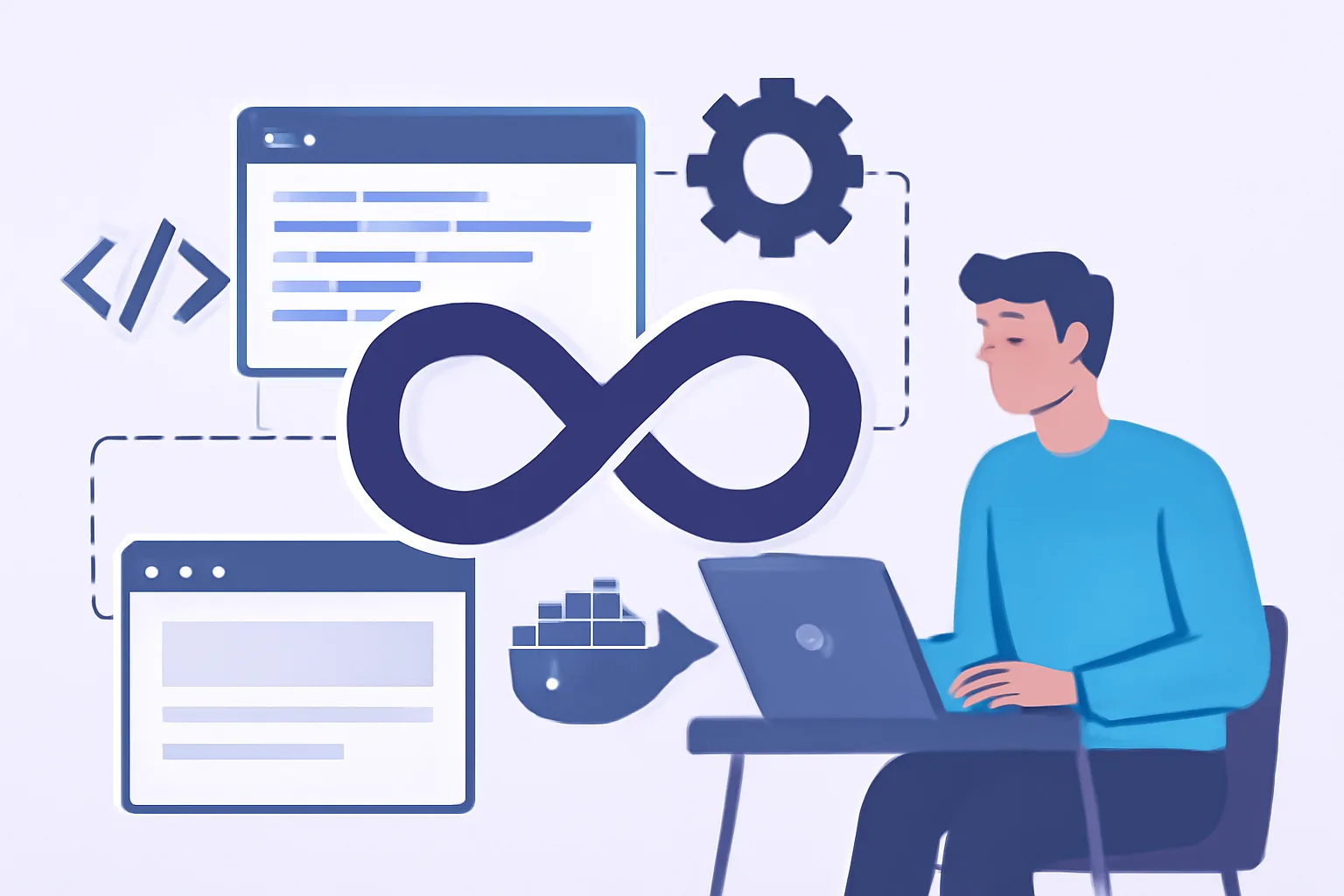
What DevOps means for a web application
DevOps for a web application is not a separate “trendy” role and not just a pile of tools for the sake of sounding impressive in a job posting. In practice, it’s a way to connect development, testing, deployment, and operations into one continuous process, where every step is clear, repeatable, and not dependent on the memory of a single person.
Put simply, DevOps removes the familiar gap between “the code is written” and “okay, now somehow get it running.” A web application lives all the time: features change, bugs are fixed, load grows, and new integrations appear. And the more active the project is, the riskier manual operations, accidental differences between environments, and “deployment by the instructions from chat” become. DevOps is exactly what reduces that fragility.
For a web project, this is especially noticeable, and a website or web service may be updated several times a week, sometimes even several times a day. That means delivery needs to be predictable, infrastructure reproducible, and post-release support should not turn into endless firefighting. In that sense, DevOps is closely tied both to the project architecture and to support after launch: a good process saves not only the team’s time, but also the business’s nerves. By the way, it’s worth remembering this for those already planning website support after launch.
Why a web application needs DevOps
The most obvious answer is to ship changes faster. But speed on its own is worthless if it also increases the number of failures. That’s why DevOps is needed not for speed itself, but for controlled speed.
It solves several tasks particularly well:
- it shortens the time between finished code and its appearance in production;
- it reduces errors caused by manual deployment and “forgotten” settings;
- it makes environment behavior more predictable;
- it simplifies maintenance when several people or teams work on the project;
- it helps find and resolve incidents faster after release.
A strong DevOps process is especially visible in projects where stability and user trust matter: personal accounts, corporate portals, internal services, e-commerce, analytics systems, and for solutions like these, it is not enough that “it opens.” You need clear releases, careful configuration handling, and quality control at every stage. If a project has a complex structure and many sections, it’s useful to think ahead not only about code, but also about the product’s overall logic — a good reminder of that is the material about corporate website structure.
There is also a less obvious effect: DevOps disciplines the team. When every change goes through the same chain of checks, the discussion comes down to the essence — what exactly is changing and why. Fewer “manual exceptions,” less magic, fewer reasons for arguments on release day.
CI/CD: how continuous delivery works
CI/CD for web apps is the heart of the modern DevOps approach. The abbreviation often sounds technically abstract, but in reality it’s about a very down-to-earth thing: every commit or set of changes goes through an automated chain of verification, build, and delivery instead of waiting until someone remembers there’s a release on Friday evening.
CI, or Continuous Integration, starts the moment a developer pushes changes to the repository. Then the pipeline runs: the code is built, checked, and tested. If something breaks, the system reports it immediately, not two days later when the bug has already made it into staging or production.
CD — Continuous Delivery or Continuous Deployment — continues that logic, and after successful checks, the artifact can be delivered to staging and then to production if the process allows it. It’s important not to confuse “automated” with “unchecked”: a mature pipeline is built around control points. Usually these are:
- running linters and static checks;
- building the application;
- unit tests;
- integration tests, or at least part of them;
- building a container image or release artifact;
- deployment to staging;
- smoke checks after rollout;
- manual approval or automatic promotion to production.
It helps to think of CI/CD as a series of “gates,” not as a magic button. At each step, the system answers its own question: does the code even build? do the tests pass? is the environment ready? did behavior after deployment stay the same, or at least not get worse? This approach is especially important for web applications, where even a small configuration mistake can make pages unavailable, break forms, or cause authentication problems.
Another practical detail: the pipeline should be fast and easy to read. If checks take too long or produce unreadable logs, the team starts working around the process and eventually goes back to manual deployments. In a good CI/CD system, the pipeline does not get in the way — it helps the work flow smoothly.
Docker in DevOps for a web application
Docker has become almost synonymous with containerization, although the idea itself is broader, and for a web application, a container is first and foremost about environment reproducibility. The goal is for the application to behave the same, or at least very similarly, on a developer’s machine, in staging, and in production — not depending on a random version of PHP, Node.js, Python, system libraries, or server settings.
The point of Docker is that the application and its environment are packaged into an isolated unit. An image describes what should be inside: the base system, dependencies, and startup commands. A container is the running instance of that image, and without getting overly theoretical: an image is a recipe, and a container is the finished dish.
For a web project, this gives several very tangible benefits:
- local development becomes much closer to real production;
- the classic “works on my machine” problem disappears;
- it’s easier to bring up a service on a new server quickly;
- it’s simpler to standardize background jobs, queues, and supporting services.
Docker Compose is especially useful during development and for smaller stacks. With it, you can describe the setup of the application, database, cache, message broker, and additional services in one file. The team gets a clear way to start the whole environment with one command instead of manually piecing together multiple system configurations. At the start of a project, this often saves days, and sometimes weeks. In more complex cases, containerization also helps build a stricter infrastructure, as seen in examples from the area of private network infrastructure, where isolation, predictability, and access control matter.
That said, Docker is not a cure-all. If secrets are managed chaotically, configurations are not versioned, and the deployment process is not thought through, containers will not save the project, and they will simply make old problems neater and more repeatable. That’s already something, but still not the finish line.
Basic infrastructure: servers, environments, and configuration
A web application usually needs at least three logical environments: dev, staging, and production. Sometimes test, demo, preprod, or sandbox are added, but the idea remains the same. Dev is for development, staging is for checking releases in conditions as close to real life as possible, and production is for users.
The main mistake here is mixing up the roles of environments. When migrations suddenly get tested on a live server, and staging runs on an outdated set of variables, it’s hard to talk about stability. Reproducible infrastructure is needed precisely so that each environment can be brought up from a clear description, not from verbal agreement.
Configuration and secrets are best kept separate. Code lives in the repository, infrastructure definitions do too, and sensitive data should be passed securely and never exposed publicly, and this applies to API keys, database passwords, access tokens, and cluster parameters. If secrets live in code or get sent in a messenger, that’s no longer DevOps — that’s a lottery.
In practice, it’s useful to follow a few principles:
- configurations should be version-controlled;
- settings for different environments should not diverge without a reason;
- servers and services should be deployed using the same scheme;
- any infrastructure change is best recorded as code.
Infrastructure built as code is especially convenient for teamwork. When a server is not configured “manually for a specific case,” there’s less risk that a month later nobody will remember why one node has one package and another has a different one. And if the project needs to scale, move to a new host, or be restored after a failure, the process will be much calmer.
Automating testing and checks before release
Automated testing in DevOps is not an attempt to replace QA with scripts, but a way to catch obvious mistakes before they reach the user, and the earlier a problem is found, the cheaper it is to fix. And “cheaper” here means not only in time, but also in reputation.
A pipeline usually includes several levels of checks. Unit tests quickly verify individual functions and modules. Integration tests look at how components work together: for example, how the application works with the database, task queue, or external API. Smoke tests run after deployment and answer a simple question: is the service alive at all? Does it start, does the homepage open, does authorization work, is the form broken.
In addition to tests, other checks are useful too:
- linters and formatters;
- static code analysis;
- dependency checks for known vulnerabilities;
- building artifacts with a fixed version;
- configuration validation before rollout;
Security deserves special attention. In web projects, it often suffers not because of major attacks, but because of small things: an outdated dependency, a forgotten debug mode, overly broad permissions for a service account, and that’s why at least basic security checks should be built into the pipeline. Website protection and common attack scenarios are better handled in advance, not after an incident — this is discussed in detail in the material about website security.
Monitoring, logging, and quick incident response
A release is not the finish line, but the beginning of observation. As soon as the application reaches production, it’s important to see its state in real time, or at least with minimal delay. Without monitoring, the team learns about problems from users, and that is always the worst-case scenario.
Observability is usually built on three pillars: metrics, logs, and tracing, and metrics show the big picture — load, errors, response times, and resource usage. Logs provide context: what exactly happened and in what order. Tracing helps follow a request through services if the application has multiple parts.
Alerts are equally important. But it’s easy to go too far here: if alerts flood the team for every minor deviation, people quickly stop reacting to them. Better fewer signals, but relevant ones. One clear alert for a critical service outage is more useful than a dozen noisy notifications nobody reads.
A good practice is to define in advance what happens during an incident:
- who receives the alert;
- where logs and metrics are checked;
- what the team’s rollback procedure is;
- when the decision is made to temporarily disable part of the functionality;
- how the postmortem is documented after the issue is resolved.
Rollback is not an admission of defeat, but a normal risk-management tool. If a new release causes a failure, it’s faster and more honest to restore the stable version than to heroically fix everything on live traffic, and after that, you can calmly analyze the cause and improve the process, not just the consequences.
How to introduce DevOps step by step in an existing web project
The most common mistake is trying to “implement DevOps” all at once. In practice, that almost always ends with team fatigue, broken expectations, and the feeling that things have become harder, not better. It makes much more sense to move step by step.
You should start with the basics: automated build, repeatable deployment, and a minimal set of tests. Even at this stage, part of the manual routine disappears and the risk of deployment errors drops. After that, you can move on to containerization if it truly helps the project instead of adding extra abstraction, and then extend CI/CD, add staging, smoke checks, quality control, and automatic deployment of more complex components.
For an existing project, it’s useful to follow this order:
- describe the current release process without embellishment or illusions;
- find the riskiest manual steps;
- automate first what breaks most often;
- move configuration and infrastructure into a reproducible form;
- add monitoring and a clear incident response process;
- only then make the pipeline more complex if it is truly needed.
Here it’s important not to confuse maturity with overload. A small web project does not always need a heavy stack of a dozen services. Sometimes a clean repository, a clear Docker image, CI with tests, and proper monitoring are enough. In another case, if the system is more complex and includes several internal services, a more serious infrastructure and perhaps a separate look at integrations and maintenance will be needed, and but the principle remains the same: stability first, elegance second.
DevOps for a web application is not a one-time project, but a way of working. When delivery, infrastructure, and support are built as one chain, the team becomes less dependent on manual heroics and more dependent on clear processes. And that is usually what the business really needs.
