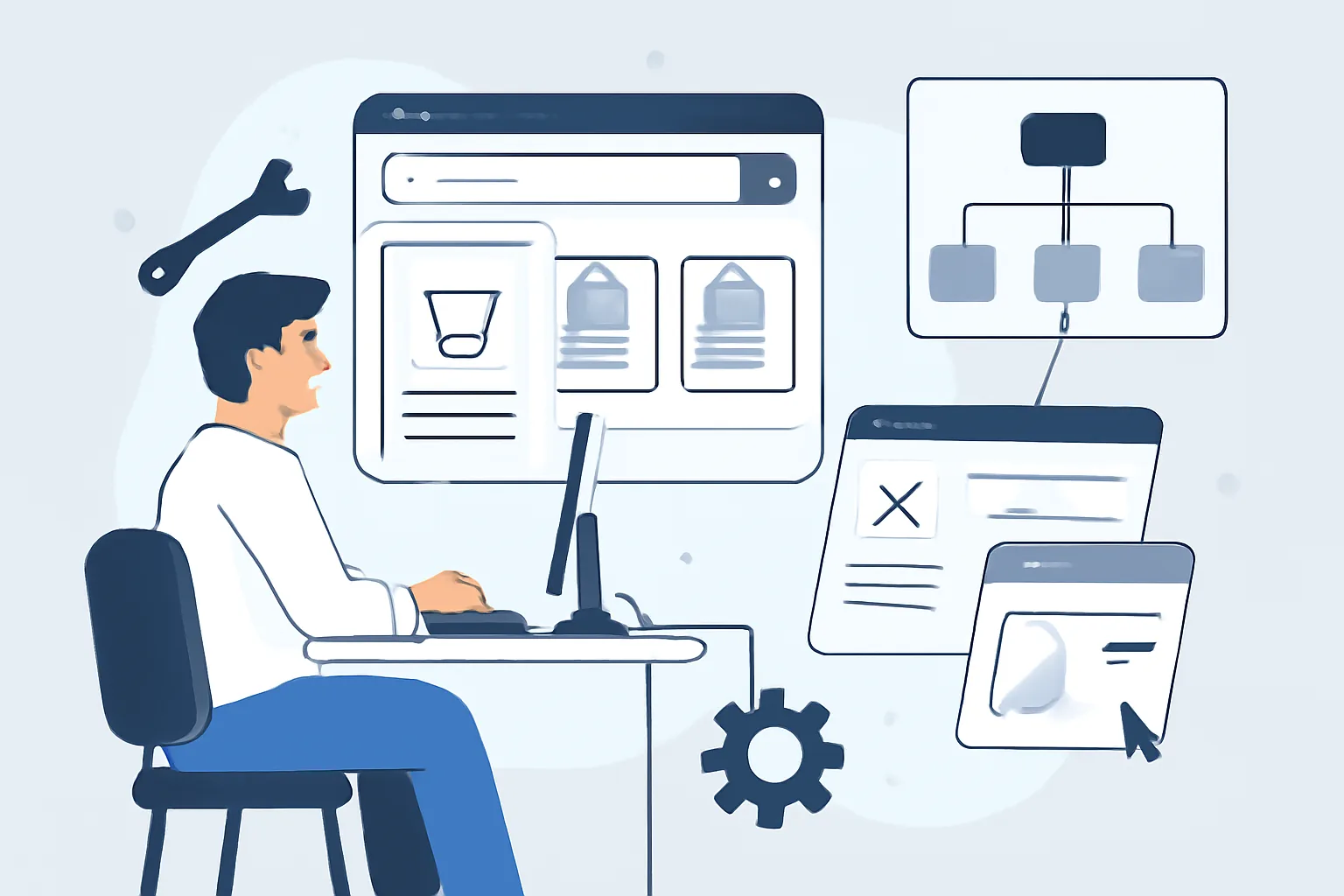
What is a marketplace website, and how is it different from a regular online store
A marketplace is not just a website with products, but a full-fledged trading platform where multiple sellers operate at the same time. A buyer visits one platform, compares offers, chooses a product, places an order, and usually does not even think about who exactly stands behind a specific listing: the platform owner or an external seller. That is the key difference from a regular online store, where the assortment usually belongs to one company and is managed by one team. In the marketplace vs online store comparison, the main distinction is that one model brings together many sellers, while the other is typically controlled by a single business.
For business, a marketplace is a model of intermediation and ecosystem management. The platform owner can earn through commissions, paid listings, product promotion, and service plans. But flexibility comes with complexity: you need to build not only a storefront, but also the relationships between the buyer, seller, and platform administrator.
In essence, a marketplace is a set of scenarios, not just one scenario. One user searches for a rare part using filters, another compares dozens of similar products, a third registers as a seller, a fourth checks payouts, and a fifth resolves a disputed order. Each of these steps needs to be thought through in advance, otherwise the project quickly turns into a chaotic set of pages with no clear logic.
Marketplace website structure: key sections, roles, and user scenarios
The structure of a marketplace website is usually broader than that of a classic e-commerce project. Here it is important to design not only the public catalog, but also the internal dashboards, administrative processes, moderation, and service sections. A good marketplace is one where the user doesn’t get lost, and the seller doesn’t feel like a guest on someone else’s turf.
A basic set of sections usually looks like this:
- home page with category navigation and curated selections;
- product or service catalog with filters and sorting;
- category page;
- product page with photos, description, delivery terms, and seller information;
- cart and checkout;
- buyer account;
- seller account;
- admin panel;
- reviews and ratings module;
- help, returns, platform rules, and support sections.
Looking deeper, each role needs its own interface. Buyers need fast search, clear filters, favorites, order history, and status tracking. Sellers need tools to manage products, stock, prices, orders, messages, and payouts. Administrators need moderation tools, content control, user management, dispute handling, and analytics.
Search and filtering usually deserve special attention. On a marketplace, these are not decorative features, but the core of the business. If a user cannot narrow down the selection quickly, they leave. And not because the product is bad, but because the interface is too heavy and the logic is not obvious.
It is also useful to plan service scenarios in advance: order cancellation, returns, complaints about a seller, editing a product card after moderation, hiding unavailable items, and reordering. These things rarely become the hero of a presentation, but they are exactly what determines platform quality in real-world use.
If you like the approach where structure is built around scenarios rather than “pages,” it is worth seeing how a website structure that truly works is usually designed. The principle is the same: logic first, then design, then details.
Marketplace website development: project stages from idea to launch
Marketplace website development almost never starts with design. First, you need to understand exactly what you are building, for whom, and under what rules. Without that, you can quickly end up with a beautiful interface that does not solve the business problem.
Usually, the project goes through several stages.
-
Analytics and task definition. At this stage, the monetization model, type of products or services, user roles, scenarios, launch constraints, and future growth plans are defined. This is also where you decide what goes into the MVP and what can be postponed.
-
Structure design and prototyping. The team builds a site map, sketches user flows, and thinks through the logic of product pages, filters, dashboards, and administrative interfaces. It is important to see the system as a whole before the visual phase begins.
-
Design. At this stage, the visual concept, design system, and key page layouts are created. For a marketplace, calm navigation, readability, consistent element behavior, and predictable interface patterns are especially important.
-
Frontend and backend development. Frontend handles the interface, while backend is responsible for logic, data, roles, relationships between entities, integrations, and administrative processes. In practice, this is the most substantial part of the project.
-
Integrations. Payment services, delivery providers, CRM, ERP, email and SMS notifications, analytics systems, and sometimes external catalogs or inventory databases are connected.
-
Testing. The team checks order placement flows, catalog display, access rights, loading speed, form behavior, notifications, and moderation. On a marketplace, an error in one area can affect several roles at once, so testing is especially important.
-
Content population and release preparation. Before launch, products need to be migrated, texts and images checked, contacts, rules, legal documents, and analytics settings reviewed. Sometimes this is the stage where hidden inconsistencies surface.
-
Launch and early development iterations. A release is not the end, but the beginning of observing how users actually behave on the platform. After launch, new requests and growth opportunities almost always appear.
If the project involves a long lifecycle, it is useful to think not only about launch, but also about how the site will be maintained afterward. Approaches to this are well covered in the article about website maintenance after launch: a marketplace quickly loses relevance without ongoing support.
Turnkey marketplace: what the service includes and who it is for
The “turnkey marketplace” format usually means that one team handles the entire cycle: from idea and prototype to launch and the first updates. This is convenient when the client does not have an internal product team or when a working platform needs to be assembled quickly without a long chain of contractors.
This type of service most often includes:
- niche and competitor analysis;
- structure and user scenario development;
- UX/UI design;
- frontend development;
- backend development;
- role and access-rights setup;
- payment system and delivery integration;
- analytics and notification setup;
- initial testing;
- launch preparation;
- technical support and post-release development.
Is it right for everyone? Not necessarily. If you already have a strong in-house team, it may be more efficient to split the work into separate tracks. But for a launch, when you need to test a hypothesis quickly and avoid getting buried in operational routine, a turnkey format often turns out to be the smartest choice.
This approach has another advantage: there is less risk that strategy, design, and development will conflict with one another. When a project is handled by one team, decisions are usually coordinated faster instead of pulling in different directions because of different views on the goals.
Functionality a marketplace needs at launch
At launch, you should not try to build everything at once. A marketplace is especially sensitive to feature overload: if the MVP turns into a monster, launch gets pushed back, and the team starts working not on validating the idea, but on endless finishing touches. That is why the basic set should be limited to only what the platform cannot function without.
A minimum viable version usually includes:
- user registration and login;
- seller registration and submission of a listing request;
- seller and product moderation;
- creating and editing product pages;
- catalog, categories, search, and filters;
- cart and checkout;
- online payment or order reservation;
- email or SMS notifications;
- order history;
- reviews and ratings;
- basic analytics on orders and user behavior.
If the marketplace is built around services, the cart may be replaced by requests, bookings, or quote requests. The logic is the same: the user should quickly understand what is available, how to take action, and what happens next.
At launch, it is useful to leave room for future expansion: promo codes, recommendations, subscriptions, chat, multicurrency, multilingual support, and complex commission schemes. But these should only be added when there is a clear business case, not simply because “competitors have them too.”
Technical and organizational requirements for the platform
The choice between a CMS and custom development depends on scale, logic, and growth plans. For simple scenarios, an adapted platform may be enough, but if a marketplace has complex roles, non-standard commission rules, many integrations, and separate dashboards, custom development is often the more reliable option.
A marketplace has several technical requirements that cannot be postponed “for later.”
| Area | What to consider |
|---|---|
| Security | Protection of user accounts, payment data, roles, and admin access; permission control; backups. A good practice is to discuss this from the very beginning, as in any project involving sensitive data. A broader view of website security is also useful. |
| Scalability | The site must handle growth in catalog size, user count, and transactions without constant core rewrites. |
| SEO | Proper URLs, category indexing, metadata, microdata, loading speed, pagination, and canonical pages. |
| Integrations | CRM, ERP, warehouse systems, delivery, payment services, notifications, analytics, and sometimes BI systems. |
| Performance | Fast search, a stable catalog, proper filter behavior, and minimal delays at checkout. |
Organizational requirements are no less important. You need to decide in advance who moderates products, who handles disputes, who updates the rules, who works with sellers, and who monitors content quality. A “we’ll figure it out as we go” model works poorly in a marketplace — there are simply too many points where conflict can arise.
If the platform involves sending emails from your domain, do not forget the basic domain mail setup: DKIM, SPF, and DMARC. In practice, this is not decoration, but protection for deliverability and sender reputation. This topic is covered in detail in the article DKIM SPF DMARC setup for domain.
How much development costs and what the budget depends on
The question of price almost always comes down to scope and complexity. Two marketplaces may look similar on the surface, but differ many times over in development effort. One is a catalog with basic dashboards and standard integrations. The other is a complex platform with multiple seller types, moderation, commission calculation, logistics, analytics, and non-standard order logic.
The budget is affected by factors such as:
- the complexity of the marketplace website structure;
- the number of roles and user scenarios;
- the amount of design work and the number of unique templates;
- the presence of user dashboards and an admin panel;
- the number of integrations;
- SEO and performance requirements;
- data migration needs;
- launch deadlines;
- support and development after release.
Usually, the most expensive marketplace is not the “beautiful” one, but the one with a lot of hidden logic. For example, when the commission depends on the category, delivery depends on the region, and the seller sees one set of statuses, the buyer another, and the administrator a third. It is exactly these nuances that shape the real cost of the project.
It is also important to remember post-launch costs. Support, feature development, bug fixes, security updates, and improvements based on analytics are all part of the platform lifecycle, not an optional extra.
How to choose a contractor for marketplace development
Choosing the right contractor is especially important here: a marketplace is not a project you can build “from a template” without understanding the business model. A good team sees not only pages, but also processes. It asks uncomfortable questions, checks scenarios, and points out hidden risks in advance.
What to look for first:
- whether the portfolio includes similar e-commerce or marketplace projects;
- whether the team understands product logic and role-based workflows;
- how the process is organized: analytics, prototyping, design, development, testing;
- how clearly timelines, stages, and responsibilities are defined;
- whether there is a contract, warranty obligations, and a change-request procedure;
- whether support after launch is included;
- whether the contractor can handle integrations and scalability.
A useful sign of a mature team is the ability to say, “this is better not to do at launch.” Not because they are lazy, but because they understand the cost of overcomplication. In a marketplace, project discipline is often more important than the list of features.
And one more thing: look not only at visual cases, but also at how the team thinks. If the discussion immediately includes terms like roles, logic, integrations, and growth, you are probably dealing with a team that understands the marketplace vs online store difference in practice, not just in theory.
