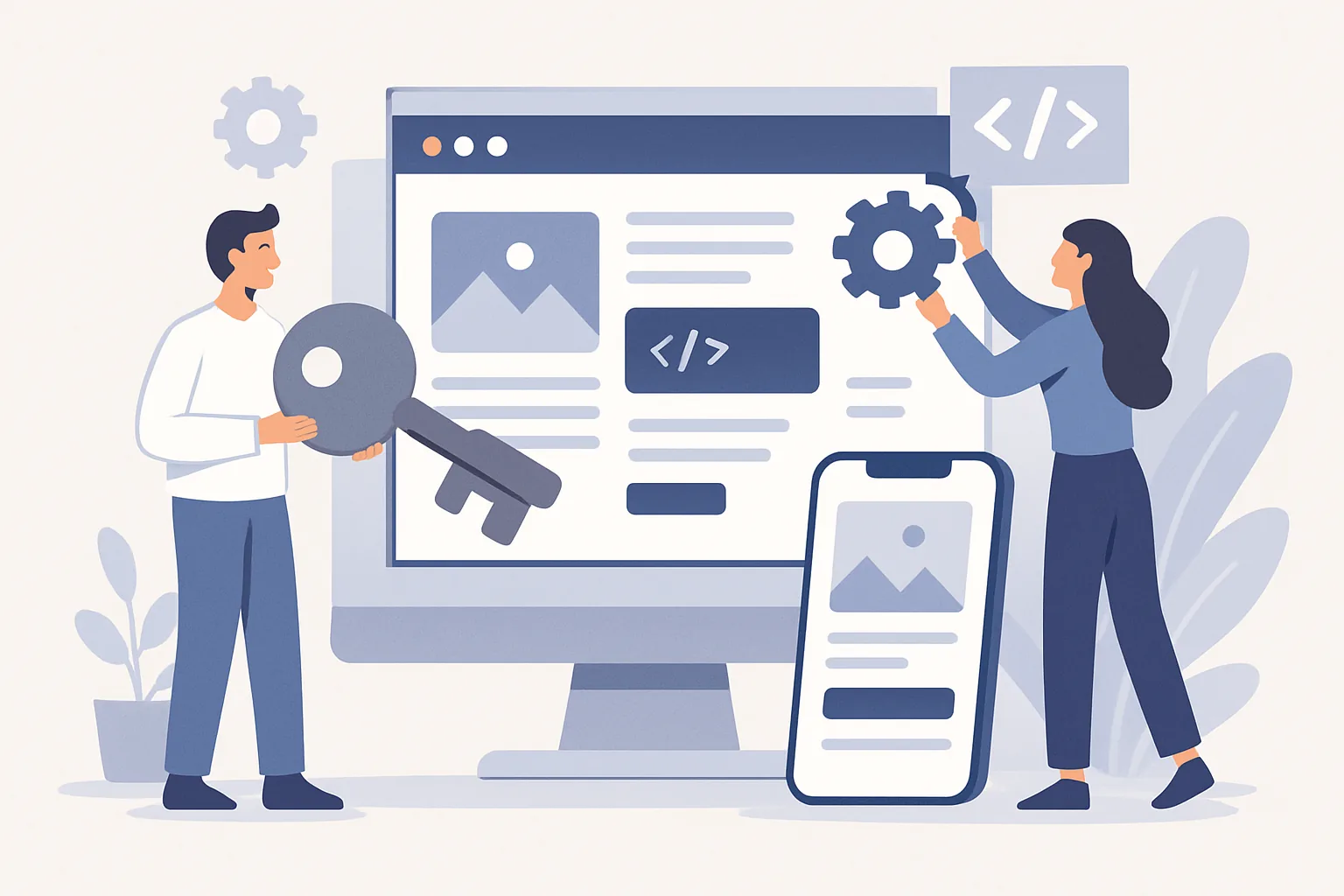
Turnkey web application development
When a business needs more than just a brochure website and wants a working digital tool, turnkey web application development comes to the forefront. This is no longer about “building pages and adding a contact form.” It’s about a full-fledged product that solves specific tasks: accepts requests, automates processes, stores data, connects with other systems, and helps people work faster.
The “turnkey” format is convenient because the client gets not a pile of separate services, but the entire development cycle within one project — from idea analysis to launch and ongoing support. For business, that matters a lot: fewer gaps between contractors, clearer responsibility, and easier control over timelines and results. In practice, this approach often overlaps with custom web application development services, especially when a company needs a solution tailored to its internal workflows.
What turnkey web application development is
Put simply, turnkey web application development is a comprehensive service in which the team takes the entire project on itself. This usually includes task analysis, logic design, interface design, server-side and client-side development, testing, launch, and technical support after release.
The key difference from phased development is that in a turnkey approach, the contractor is responsible for the final product, not just one part of the work. In a phased model, a business may need to separately hire an analyst, designer, backend developer, frontend developer, and tester. That can work too, but it requires more internal resources and more attention from the client.
Turnkey is often chosen when a product needs to be launched quickly and without extra organizational overhead. It’s especially convenient if the company doesn’t have a strong in-house IT team or doesn’t have time to manage several contractors.
This format works well for projects where integrity, predictability, and accountability for results matter. For example, when you need a customer portal, an internal service for employees, a B2B platform, a CRM, a marketplace, or an MVP for a new digital product.
When a business needs turnkey web development
A request for turnkey web application development usually appears when standard tools no longer do the job. A company has its own rules, complex workflows, integrations with internal systems or external services, and a generic template no longer covers its needs.
One of the most common scenarios is launching an MVP. This is the minimum viable version of a product that lets you test a market hypothesis, gather feedback, and avoid spending resources on unnecessary functionality. In that case, the goal is not to pack in as many features as possible, but to quickly build a working product with clear logic.
Another common case is internal services. These can be systems for requests, records, approvals, task tracking, document processing, and communication between departments. At first glance, such solutions are invisible to customers, but they save employees time and reduce manual work.
Customer portals are another category. Through them, clients can view order status, upload documents, manage services, receive notifications, and contact support. For companies with a large number of operations, this kind of interface becomes not just a convenience but part of the business model.
Marketplaces, booking services, CRM and ERP solutions, catalogs with filters and smart search, corporate portals, learning platforms, and subscription services are also often ordered on a turnkey basis. In all of these cases, it’s not just appearance and loading speed that matter, but also the complex logic of working with data.
Stages of web application development
A good web application doesn’t come to life the moment a developer starts writing code. A project usually goes through several consecutive stages, and each one affects the final result. Skip one, and you’ll almost certainly come back to it later — only with time and budget lost. That is why a clear web app development process is so important from the very beginning.
Analysis
At this stage, the team figures out what problem the product should solve, who its users are, which scenarios are critical for them, and what business goals sit behind the project. Analysis helps avoid building “a beautiful system for the sake of the system” and instead define concrete functionality.
This is also where integrations, constraints, user roles, possible risks, and priorities are identified. Sometimes this stage already makes it clear that some ideas should be postponed to a later version, otherwise the project will become too expensive and unwieldy.
Prototyping
After analysis, a prototype is usually created — a schematic version of the future interface without visual polish. This can be a simple clickable mockup that shows the screen structure, button placement, action sequence, and navigation logic.
A prototype is useful because it lets people discuss the product before expensive development begins. This stage makes it easier to spot awkward flows: where the user gets lost, where there are too many steps, or where the interface seems logical to the team but confusing to a real person.
UI/UX design
Once the structure is approved, design begins. UX is responsible for ease of use and interaction logic, while UI covers the visual presentation. Ideally, these two parts work together: the interface should be not only neat, but also understandable at a glance.
For web applications, readability, accessibility, and consistency are especially important. The user shouldn’t have to rediscover where a needed action is every time. Good design saves time and reduces mistakes.
Backend development
The backend is the server-side part where business rules, databases, authorization, request handling, and integrations with external services live. This is where the application’s “logic” is formed, even if the user doesn’t see it directly.
At this stage, the architecture needs careful thought so the application doesn’t fall apart as traffic grows or functionality expands. If the system is intended as a long-term product, technical decisions should be stable and easy to develop further.
Frontend development
The frontend is what the user interacts with in the browser. Layout, forms, buttons, tables, filters, notifications, animations, and responsiveness across devices all belong to frontend development.
The goal here is not only to make sure everything works, but also to ensure the interface responds quickly, doesn’t overwhelm the user, and displays correctly on the required screens. Often, it’s the frontend that makes a complex system truly convenient.
Testing
Testing isn’t a box to tick — it’s about finding problems before real users see them. Teams check login flows, forms, access roles, data accuracy, integrations, cross-browser behavior, mobile behavior, and resilience to errors.
The more complex the web application, the more important it is to test not only individual functions, but also chains of actions. Sometimes a standalone module works perfectly, but combined with another service it produces an unexpected failure — and that’s exactly the kind of issue that should be caught before release.
Launch and support
Before launch, the project is deployed to a server, and the environment, domain, basic security settings, and monitoring are configured. After publication, the work doesn’t end: the first users appear, real-world scenarios begin, new questions come up, and sometimes the first fixes are needed.
Support after launch is needed almost always. Even if the product was carefully tested, living environments reveal nuances that can’t be seen in advance. In addition, business changes — and the web application changes with it.
How the cost of web application development is formed
The cost of web application development doesn’t come from one fixed formula. Pricing depends on several factors at once, and two projects that look similar on the surface can have noticeably different budgets. That’s why any numbers in a proposal should be treated as a guideline, not a universal rule.
The first factor is functionality complexity. A simple app with a few forms and a customer portal will cost differently from a system with roles, complex approval flows, notifications, analytics, and deep process automation. The more scenarios and exceptions there are, the more effort it takes.
The second factor is integrations. If the app needs to exchange data with a CRM, ERP, payment services, warehouse systems, external APIs, or internal databases, the project becomes significantly more complex. Each integration requires separate setup, testing, and sometimes custom solutions.
Design also affects the price. A template-based interface is usually cheaper than a custom design system with detailed scenarios, complex navigation, and many screens. At the same time, saving on usability often leads to lower conversion or a heavier support burden.
Timelines matter too. If the project must be completed on a tight schedule, the team has to work more intensively and sometimes bring in additional specialists. That naturally affects the budget.
Another important factor is the team composition. For a smaller task, an analyst, a designer, and two developers may be enough. In a more complex project, a tester, DevOps specialist, product manager, architects, and other roles may be added. The broader the team, the higher the cost — but also the more reliable the process.
Finally, post-launch support must be taken into account. One thing is to deliver a product and be done. Another is to maintain it, fix bugs, update functionality, monitor stability, and help the system evolve. This is a separate part of the project and should be agreed on in advance.
What a contractor’s turnkey project includes
Different contractors may offer different scopes of work, but in a complete turnkey project, the same basic elements are usually expected. These are what make the service complete rather than partial.
- Requirement gathering and clarification.
- Preparation of technical specifications.
- Architecture and user flow design.
- Prototyping and interface design.
- Backend and frontend development.
- Integrations with external and internal services.
- Testing and bug fixing.
- Documentation preparation.
- Server deployment and launch.
- Technical support after release.
Ideally, the client gets not only the finished web product, but also a clear set of deliverables: documentation, logic descriptions, access credentials, admin instructions, and recommendations for future development. This is especially important if another team will continue the project a few months later.
How to choose a contractor for web application development
Choosing a contractor is one of those stages where it’s better not to rush. A mistake here often costs more than it seems at first. A good team doesn’t just promise to do things “properly” — it can explain exactly how the work will be organized and why the decisions look the way they do.
The first criterion is experience with similar projects. It’s important to look not only at a polished portfolio site, but at the similarity of the tasks: were there integrations, complex roles, customer portals, internal workflows, data handling? The closer the case is to your task, the better.
The second criterion is the work process. A reliable contractor has clear stages, approval methods, communication format, and checkpoints. If you’re told, “We’ll do it first and show you later,” that’s a reason to be cautious.
The third point is estimate transparency. A good vendor can explain how the scope is formed, what assumptions were made, and what may affect timelines. If an estimate sounds too confident but lacks details, the risks usually remain on the client’s side.
Pay attention to how the team communicates. People often underestimate this at the start, even though communication largely determines how smoothly the project will go. Clear answers, willingness to уточнить requirements, and the ability to talk about difficulties without haze or promises to “figure it out later” all matter.
You should also ask about warranty and post-project support. After release, an application almost always needs adjustments and fixes, so it’s important to understand who will maintain the system and how.
Typical risks and how to avoid them
Even well-planned turnkey web application development isn’t immune to risks. But most problems can be spotted early if the preparation stage isn’t ignored.
One of the most common problems is scope creep. The project starts with one idea, and then new scenarios, additional roles, and supporting features begin to get added. As a result, deadlines and budget grow, while the original goal becomes blurred. Clear prioritization and a fixed definition of what belongs in the first version and what will go into later releases help a lot.
The second problem is a weak technical specification. If requirements are described in vague terms, the team and the client may understand the same functionality differently. Then disagreements arise not because someone made a mistake, but because the agreement wasn’t specific enough.
The third risk area is insufficient testing. When deadlines are tight, testing is sometimes reduced. But saving on quality checks almost always leads to more expensive fixes after launch. It’s better to spend time on thorough scenario testing than to deal with user complaints later.
Another risk is tied to integrations. External services may have limitations, change their APIs, or require additional setup. If that’s not accounted for in advance, delays can appear midway through the project. That’s why all integration points should be studied before active development starts.
A simple rule helps reduce risks: the more complex the project, the more important the analysis, prototyping, and approval stages become. A web application doesn’t like rushing when rushing means lack of clarity.
What to do after a web application launches
Launch is not the finish line; it’s the start of the next stage. After release, it’s important to watch how the product behaves in real use, where users stumble, which features are used most often, and what needs improvement.
In practice, support requests, minor bug fixes, notification setup, interface improvements, or new scenario additions usually appear after launch. That’s normal: the product becomes alive instead of just “delivered.”
It’s useful to connect user behavior analytics. It helps show which screens are in demand, where people drop off, and which steps seem unnecessary. That data points to where the product should evolve and which changes will actually have an impact.
If the web application works in a company as an operational tool, over time it may need scaling: new roles, new sections, additional integrations, more advanced reporting. The better the architecture is at the start, the smoother that growth will be.
That’s the value of the turnkey approach: you get not a one-time set of tasks, but a foundation for the product’s future development. And then the project’s real life begins — with edits, improvements, and the inevitable questions from users. Honestly, that’s a good sign: it means the application is really working.
