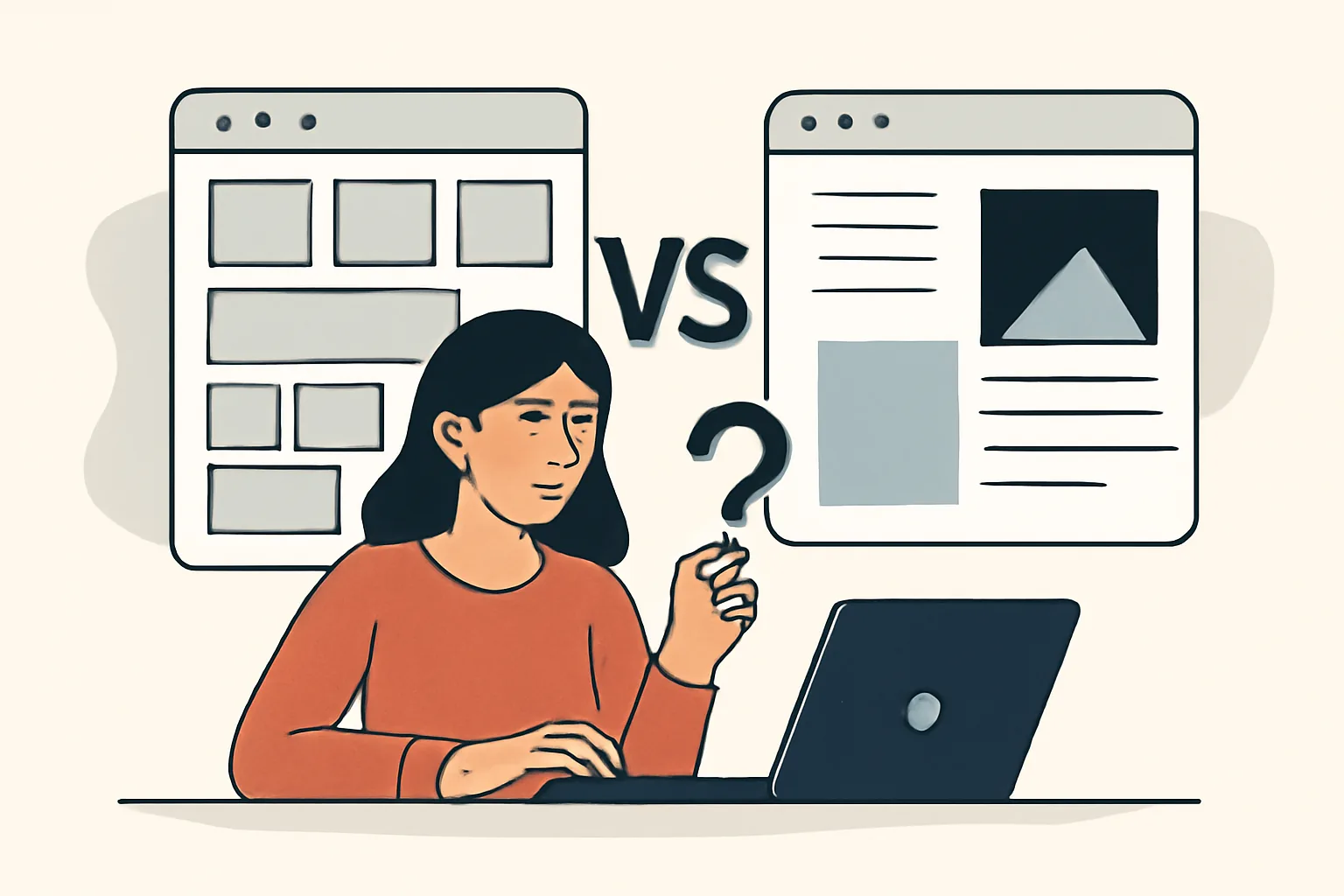
1. Where to start: the site’s goals and the business’s tasks
Before choosing a website format, first say its purpose out loud. Without that, the conversation quickly turns into a debate about taste instead of the actual task. One site is needed to sell 5 services. Another is meant to collect leads for 20 directions and then guide the customer through a chain of pages.
It helps to answer 4 questions: who comes to the site, what they should do, how many days until launch, and how many changes are expected in six months. If the site is needed to test demand, the logic is one thing. If it has to live for 3–5 years and grow with the product, the logic is different.
Business owners often start with the question “what looks better?”. That is almost always secondary. It is much more useful to understand what matters more: launch speed, budget, uniqueness, or the ability to scale the site without rebuilding it from scratch.
If you need a site for a narrow audience, such as a local dental clinic or a single B2B service, the requirements are usually simpler. But when a site has to serve multiple segments, show different scenarios, and not confuse visitors, the choice between a template and custom development becomes much more demanding. In practice, the template vs custom website design decision should follow the business model, not personal preference.
2. When a ready-made template makes sense
A ready-made template is appropriate when you need to go live quickly and avoid spending extra resources on design from scratch. A template already has a grid, typography, basic blocks, and sometimes even ready-made forms, cards, or catalogs. That saves time in the early stages.
Templates are often chosen for MVPs, seasonal projects, landing pages, and small service sites. For example, if you are launching ads for 1–2 products and want to test demand in 2 weeks, a template removes part of the organizational burden. It will not solve every problem, but it gives you a working foundation and clarifies when to use a website template in the real world.
A simple rule works well here: if the main goal is not to win a design award, but to get a live website with 3–7 pages and start collecting leads, a template is perfectly suitable. This is especially true for an internal project or a test version.
There is also a practical reason. Small businesses often care about budget control, and a template is usually more predictable in terms of scope. Fewer stages mean fewer chances for the estimate to grow. And it is easier to get started.
Another plus of a template is that it feels familiar to contractors and to the client’s team. When the structure is standard, it is easier to hand off materials, change copy, connect analytics, and avoid arguing over every margin. That reduces the risk of delays.
3. When custom design is needed
Custom website design is needed when the site has to stand out in more than just button color. If the brand is already recognizable and the product is complex, a template starts to get in the way. It sets boundaries, but the business sometimes needs its own flow.
Imagine a platform with a non-standard personal account, multiple user roles, and a chain of actions. In that case, a ready-made template often breaks the logic: there is not enough space for the scenario in one place, the interface is overloaded in another, and elsewhere you have to adapt to someone else’s structure just to save time.
Custom design is also needed when the site is part of the brand rather than just a storefront. For premium segments, complex B2B products, educational platforms, and media, the visual presentation can affect trust as much as the copy. Sometimes a visitor decides in 10 seconds whether it is worth reading further.
Another case is specific functionality. If the site includes calculators, configurators, custom filters, CRM integrations, personal accounts, or role-based access logic, custom work often means fewer compromises. This is not about “more expensive for the sake of beauty.” It is about making the interface fit the task, not the other way around.
If you are figuring out custom website design vs template, don’t focus on the word “custom” itself — look at how different your scenarios are from a standard template path. The more your user behavior deviates from the norm, the more valuable custom development becomes.
4. Comparison by key criteria
In terms of price, a template almost always wins at the start. But the final cost depends not only on buying a theme or license, but also on how much time is spent on adaptation, content, testing, and fixing conflicts. Custom design starts more expensive, but it requires less “fitting.”
The difference in timing is also noticeable. A template can be assembled faster if the content is already ready and no complex logic is needed. A custom project usually goes through more stages: prototype, design concept, approval, development, revisions, integrations. At each step, you can get stuck.
In terms of flexibility, custom design is usually stronger. It has fewer limitations on block placement, visual emphasis, and user flows. A template can also be modified, but each non-standard change sometimes brings new platform or theme limitations with it.
When it comes to making changes, a template is convenient if the site is standard and managed by a non-technical team. But when changes affect not only the text, but also page structure, navigation, or card logic, a template demands more care. A custom site handles changes better in this sense if it was well planned from the start.
As for SEO, there is no magic in either option. Templates can have weak points: extra code, heavy scripts, duplicate blocks, mobile issues. Custom projects can also have mistakes if SEO is only considered after the design stage. That is why the format alone is not enough — the build process matters too. If you want an extra benchmark, check the article on how to assess a website’s reliability before ordering.
Support is where the difference becomes even more practical. A template-based build is often easier for routine edits, but it is tied to the platform and theme updates. A custom site needs more careful maintenance, but it depends less on third-party updates. If you need a live site after launch, website support after launch will also be useful.
5. How to assess the risks and limitations of each option
The main risk of a template is sameness. Users may have seen a similar site dozens of times already. That is not a disaster, but in a competitive market, this kind of similarity weakens the sense of uniqueness. Another risk is dependency on the platform: if the theme is rarely updated or conflicts with plugins, edits turn into small engineering tasks.
There is also an organizational risk. When a template is “bought and then patched up somehow,” the project often starts to drift: one block is replaced, another breaks, a third looks out of place. After 2–3 weeks, you no longer have a quick launch, but a pile of compromises.
Custom design has different risks. The first is money. The second is time. The third is dependence on the contractor if source files, documentation, and access are not handed over. Sometimes the client gets a beautiful site, but no clear plan for how to evolve it later. That is frustrating.
There is also the risk of overcomplication. The team wants to “make it unique” and adds 12 unusual solutions where 3 would have been enough. As a result, the site becomes harder to maintain, and the user gets lost in the unusual elements. So custom design should not become an exhibition for its own sake.
Also check how the site will grow. If a catalog, blog, or new language is planned in six months, a template may require major restructuring. For projects with multiple development stages, it is worth looking ahead not only at the visual side, but also at website security, especially if there are forms, personal accounts, or file uploads.
6. A practical decision-making algorithm
First, define the budget as a range, not as a wish. For example: “we can fit into one stage” or “we can afford two stages with a prototype and design.” Without this, the choice between a template and custom work will just go in circles.
Then make a list of functions in three columns: “must have,” “nice to have,” and “can wait.” If the first column has only 4 items and the second already has 15, that is a sign to rethink the scope. A template often covers the first column; custom design covers the first and second without painful workarounds.
After that, check the timeline. If the launch needs to happen by a specific date — an exhibition, the start of a season, the beginning of an ad campaign — the site format is chosen with the calendar in mind. When the deadline is tight, a template is almost always easier to fit into the schedule. When there is more time, custom design no longer feels like a luxury.
Then compare the options using three questions: what can be done quickly, what will need to be redone in a year, and where will a mistake be cheaper. That is a good filter. It is stricter than a debate about what looks nicer.
Finally, check who will own the site after launch. If you plan to change pages often, add sections, and test different offers, it is worth clarifying the management structure and support in advance. Sometimes it also makes sense to look at the broader infrastructure, especially if the project is tied to a corporate network or separate services, such as private network infrastructure.
7. What to ask the contractor before starting
Before starting, ask the contractor to give timelines by stage, not just one total number. You need separate estimates for: prototype, design, development, integrations, testing. If you only hear “we’ll do it in a month,” ask for details. A month is 30 days, but without stages it tells you nothing.
Ask how many revision rounds are included in each stage and where extra charges begin. One project can calmly survive 2 rounds of revisions, another falls apart after the first. Better to know this before starting than to argue at the end.
Be sure to ask whether the site is responsive for mobile devices and tablets. Not in general terms, but by screen sizes: 360 px, 768 px, 1024 px. In practice, issues often show up not on desktop, but on smartphones, where a button ends up too close to the edge.
Ask for a list of what is included in the handover: source files, access credentials, mockups, a style guide, editing instructions. Without this, the site may be beautiful but dependent on one studio or one developer. Over time, that quickly turns into unnecessary expense.
If the contractor is handling analytics, forms, and integrations, ask how these will be checked after launch. Sometimes it is useful to discuss monitoring and error tracking right away so you are not left guessing about traffic drops. For tasks like this, materials such as a website analytics and monitoring platform · can help.
And one more question: who is responsible for support during the first month. That period is often revealing. If there are many small issues then, they will only pile up later.
8. Bottom line: how to make a balanced decision
The choice usually comes down to simple logic. If you need a quick launch, a limited budget, and a clear structure, a template solves the problem without unnecessary movement. If you need a site with a unique brand, a complex flow, and room to grow, custom design gives you more freedom.
A good test is to imagine what will happen in 12 months. If the site is unlikely to change much, a template looks like the calmer option. If new sections, accounts, integrations, and separate scenarios will appear over the year, custom work pays off not only visually, but organizationally as well.
And in the end, what matters is not the word “template” or “custom design,” but the specific list of tasks. A site for 2 pages and one offer does not need a complex architecture. A site for 8 user roles does. That is where the debate ends quickly.
If you look at it honestly, a good choice always starts with constraints: budget, deadlines, functions, support. Once those are named, the answer becomes much clearer, and the site itself becomes easier to launch and maintain.
