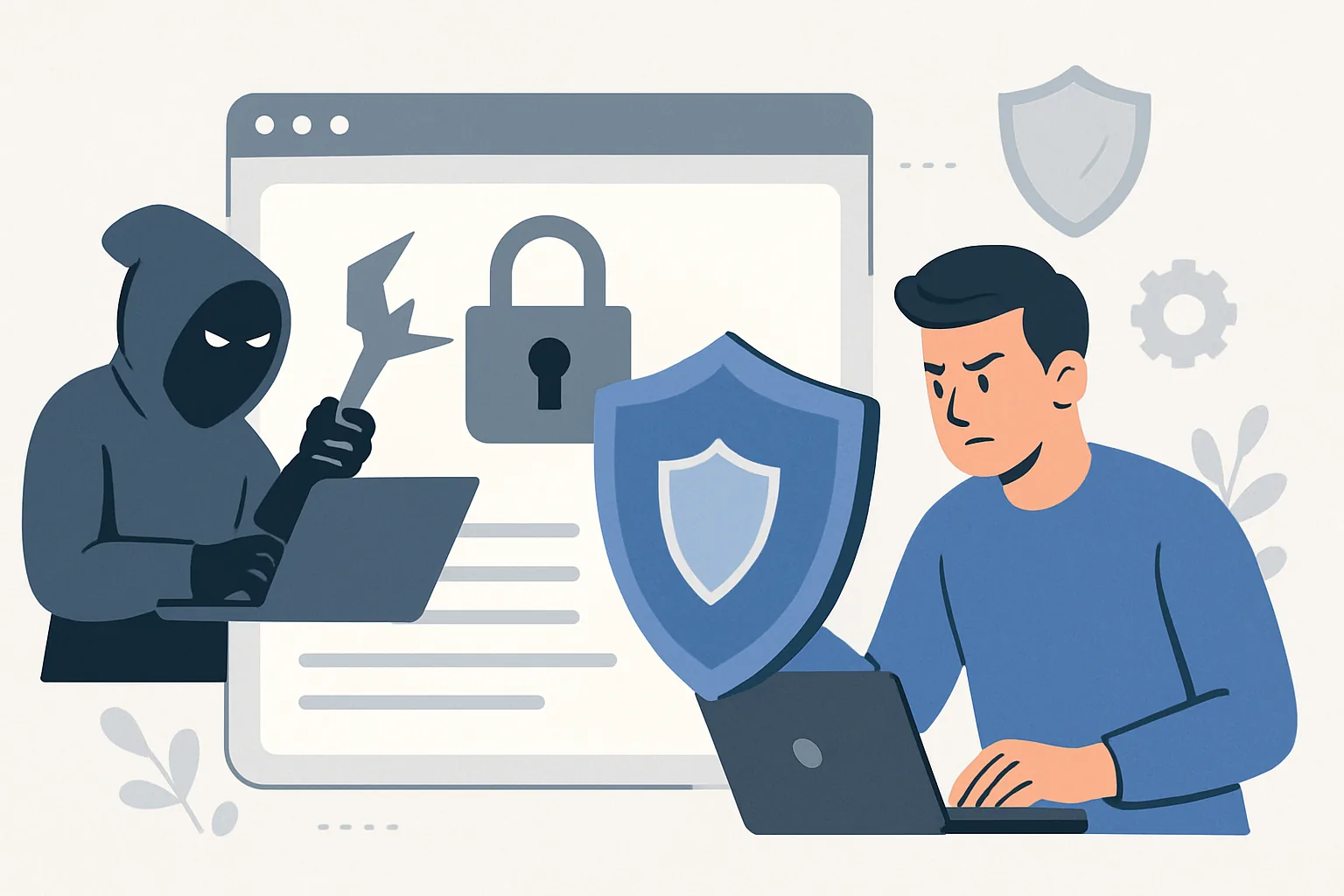
What website protection against hacking means and which risks it covers
Website protection against hacking is not a single setting and not just “installing antivirus on the server.” It’s a set of measures that reduce the likelihood of compromise and help you recover quickly if an attack does happen. In practice, it means closing weak points in the code, admin area, hosting, domain, and the human factor.
Websites are hacked for all kinds of reasons. Sometimes it’s an attempt to steal user data, sometimes to place malicious code, and sometimes to use the site as a platform for spam, phishing, or hidden traffic redirects. Sometimes it’s even more mundane: the attacker just looks for any opening to gain control of the site and later resell that access.
For a business, the consequences are usually unpleasant and very tangible. The site may stop opening, forms may stop submitting leads, чужой content may appear on product pages or the homepage, and search engines may start flagging the site as dangerous. And if this is a project that already brings in traffic and leads, a few hours of downtime can cost more than properly configured protection on time.
It’s also important that website security is not only about “not getting hacked.” It’s also about user trust, data integrity, content safety, and domain reputation. When protection is set up properly, a site does not become “unbreakable” — no such sites exist — but it becomes much more resilient to common attacks and handles incidents more easily. That is why knowing how to protect a website from hackers is as much about operations and habits as it is about technology.
Main ways websites are attacked
Most hacks start not with something sophisticated, but with a basic weak entry point. A user or administrator sets a simple password, leaves an old access account active, or does not update the system for months. Sometimes that is enough for an attacker to gain access without much effort.
One of the most common vectors is CMS and plugin vulnerabilities. Any popular content management system, whether WordPress, Drupal, Joomla, or another platform, regularly receives security updates. If you ignore them, an old version becomes an easy target. Sites with a large number of extensions are especially vulnerable: the more third-party code you have, the larger the attack surface.
Malicious uploads are another unpleasant scenario. If the site allows file uploads, an attacker may try to slip in a script disguised as an image, document, or archive. Outwardly it looks harmless, but inside it contains code that opens access to the server or starts altering page content.
Among classic web vulnerabilities, SQL injection and XSS are especially well known. The first lets an attacker interfere with database queries if the application handles input too carelessly. The second injects malicious scripts into a page so they run for visitors. In both cases, the core problem is the same: the site trusts input too much, which is why these issues remain among the most persistent common website security risks.
There are also more blunt attacks, such as brute force — mass password guessing against the admin area. If login is not protected with rate limiting and 2FA, password cracking becomes only a matter of time. File tampering is also fairly common: the attacker finds a way to upload or edit templates and quietly replaces a working file with a malicious one.
How to protect a website: basic measures to implement first
If you want a practical starting point, don’t try to cover everything at once. Begin with the basics that deliver the biggest impact on almost any site.
- Keep the CMS, plugins, themes, and server environment updated. If an update breaks compatibility, that’s a sign to review the build quality, not a reason to keep an old version forever.
- Use strong, unique passwords for all accounts: admin panel, hosting, FTP/SFTP, database, email. A password that is “convenient” is usually convenient not only for you.
- Enable two-factor authentication wherever possible. This is especially important for the admin area and hosting control panel.
- Restrict access rights. Not every user needs full access to site management or file editing.
- Make backups and check that they can actually be restored. A backup you cannot deploy is just an archive for peace of mind.
- Use HTTPS. For a modern site, this is not optional — it’s standard practice: it protects data in transit and increases user trust.
- Harden the admin area: change the default login path, restrict access by IP if possible, and monitor sessions.
All of these steps have one common goal: reduce the number of easy entry points. Most attacks do not look like a movie-style hack via supercomputer. More often, they are just a few simple weaknesses that accumulated over time. Remove them in advance, and the chance of an incident drops noticeably.
By the way, if the site is already part of a company’s workflows, it helps to look at security together with support rather than separately. That’s a good reminder from website support pricing: after launch, the work is not over — that’s when the routine but important part of control begins.
Website security at the hosting, server, and domain level
Even a carefully written site can be undermined by weak infrastructure. Hosting, server, and domain are not just background — they are part of protection. If the provider has poor account isolation or an outdated server configuration, the risk grows regardless of how good your code is.
Reliable hosting is not only about uptime and speed. What matters is regular server software updates, basic DDoS protection, proper access-right management, and a clear backup policy. A convenient control panel is a nice bonus, but not the main criterion. For a business, predictability and a sensible incident response are far more important.
On the server, file and folder permissions need close attention. Permissions that are too broad are a common reason malicious code can write itself where it does not belong. Ideally, files and directories should have the minimum necessary permissions, and separate user accounts should be isolated from one another.
Account isolation is especially important if several sites are hosted on one server. One compromised project should not automatically open access to all the others. It’s a basic principle, but one that is often underestimated.
Don’t forget the domain either. DNS and registrar protection are part of the bigger picture, even though people usually remember them only after problems arise. Two-factor authentication, access control to the domain panel, transfer lock enabled, and careful handling of DNS records — all of this lowers the risk of hijacking or address substitution.
If a project has stricter infrastructure requirements, it helps to look at examples where the server side is designed as a separate protection layer from the start. For instance, in the S4M — private network infrastructure: VPN & proxies · Ostohlo case study, you can clearly see how infrastructure decisions affect the overall resilience of the system.
Protecting a website from hacking through CMS, plugins, and themes
A CMS is convenient precisely because it lets you build a site quickly from ready-made blocks. But that convenience has a downside: extensions and themes become part of the critical risk zone. If the plugin source is questionable or the developer has long abandoned support, it’s better not to use that module.
The safest rule is simple: install only what you truly need. Every extra module is another piece of code that must be updated, checked, and kept under control. In practice, many problems do not come from the CMS itself, but from an accumulated zoo of plugins, half of which are no longer used.
Before installing an extension, check the source’s reputation, the date of the last update, and compatibility with your system version. If a theme or plugin has not been maintained for a long time, that is a warning sign. This is especially true for popular platforms: vulnerabilities in them are discovered quickly, and outdated extensions become easy targets.
Update control should be regular, not “someday later.” A good practice is to keep a list of all modules and understand why each one is needed. If a module is not used, remove it completely rather than simply disabling it. Inactive but still installed code can also become an entry point.
You should also remember themes. Some site owners treat them as purely cosmetic, although a theme often contains templates, form handlers, and its own scripts. If a theme is downloaded from an untrusted site or modified manually without oversight, the risk rises sharply. In that sense, protecting a website from hacking through a CMS is also about discipline in choosing vendors and updates.
Monitoring, backups, and recovery after an attack
Even with good protection, you should assume one realistic scenario: an incident is possible. That is why it is important not only to prevent hacks, but also to detect them quickly and then restore the site to normal just as fast.
Backups are the foundation of recovery. But they only make sense if they are created regularly, stored separately from the main server, and tested from time to time for restoration. Often a site is said to be “backed up,” but during a real failure it turns out the archive is corrupted, outdated, or incomplete.
Monitoring is not only for uptime. It is useful to track file changes, new users with admin rights, unexpected edits in templates, spikes in errors, and suspicious activity in logs. A separate advantage is alerts that arrive immediately, not a week later as a customer complaint.
If the site is compromised anyway, you need a заранее planned response. It usually includes:
- temporary isolation of the site or switching it to maintenance mode;
- saving copies of logs and the current state for analysis;
- changing passwords and revoking all active sessions;
- checking files, the database, and user accounts;
- restoring from a clean backup;
- fixing the cause of the hack, not just its symptoms.
The last point is especially important. Deleting a malicious file is not enough if the vulnerability is still there. Otherwise the same thing will happen again, only faster. For ongoing oversight, system monitoring like Astrina — a website analytics & monitoring platform · Ostohlo case study can also be useful, where the idea of watching site health becomes part of protection, not just analytics.
How to check whether a site is really protected
The feeling of security and real security are not the same thing. A site may look fine, load quickly, and accept forms properly, yet still have open vulnerabilities in the admin area or an old plugin with a known flaw. That’s why checks need to be regular.
Start with an access audit: who has rights to the admin area, hosting, domain, database, and server panels. If the user list is longer than actually necessary, that is a reason to review your access policy. The fewer unnecessary accounts you have, the lower the risk of leakage or misuse.
Then look at the logs. They can reveal failed login attempts, suspicious requests, strange file changes, and unusual activity spikes. Of course, you do not need to read logs manually every day, but periodic review helps catch things that are invisible at the interface level.
Vulnerability testing is also useful. This does not necessarily mean a full pentest — sometimes regular scanning for known issues, configuration checks, and analysis of the site’s external surface is enough. On top of that, you should run malware scans, especially after updates, fixes, or suspicious events.
And finally, configuration review. What was safe six months ago may now be outdated: CMS versions change, plugins are updated, new provider rules appear, and employees get new roles and permissions. Without periodic checks, protection gradually drifts apart and loses its purpose.
Typical mistakes site owners make that cause protection to fail
The most common mistake is expecting one measure to solve everything. Install SSL, and you’re protected. Change a password, and now you can relax. In reality, protection works only as a system, and if it has several weak links, the rest matters much less.
Another common problem is outdated plugins and themes. They go unupdated for months or even years because “everything still works.” But security does not work like a household appliance: if the light isn’t flashing, it does not mean everything inside is fine.
Using the same passwords for different services is another serious issue. If one credential leaks, attackers often try it elsewhere too: email, hosting, admin panel, cloud. This is especially dangerous when the email account is used for password recovery.
An open admin area with no restrictions, no 2FA, and no at least minimal brute-force protection is practically an invitation to attack. The same applies to sites where nobody watches for suspicious changes. If a new block suddenly appears on the homepage, links go somewhere unexpected, or there are strange inserts in the code, that cannot be ignored.
And perhaps another mistake is having no backups or believing in luck. Even if the site is small, even if it is not an online store, even if “there is nothing valuable there,” recovery after a hack will still take time. And time is usually the most expensive part of an incident.
Good website protection against hacking is built without drama: updates, access control, trusted infrastructure, backups, monitoring, and discipline. There is nothing magical here. But there is a very clear result — the site runs more calmly, and the owner does not find out about problems last.
