What Changed in Website Monitoring After Switching to Automated Alerts
Learn what changed in website monitoring after switching from manual checks to automated alerts, from faster detection to clearer ownership.
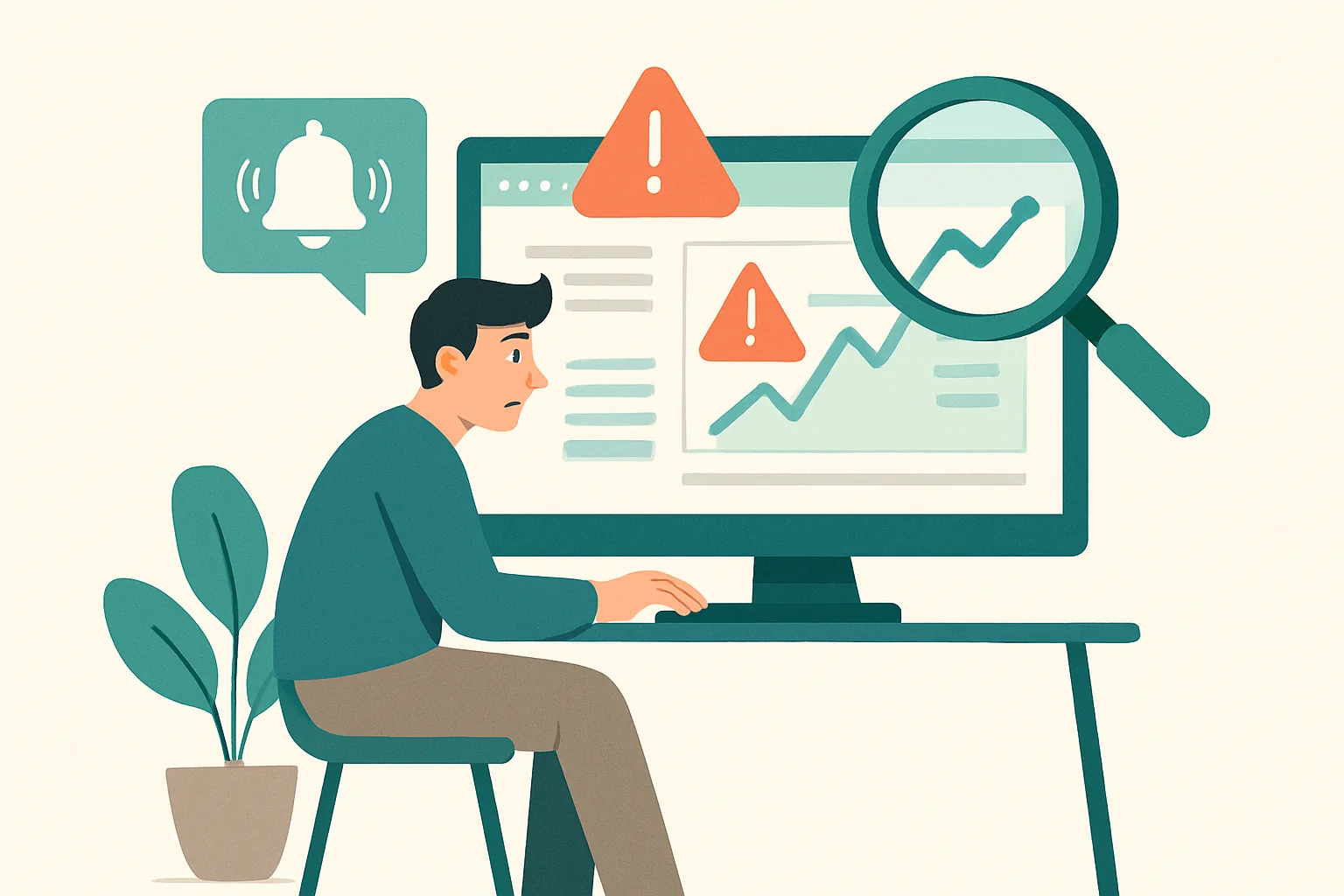
The New Center of Gravity: From Inspection to Exception Handling
Before automated alerts, monitoring often meant a person checking the same pages, the same endpoints, and the same status screens at 9 a.m., then again after lunch, then again before leaving. After the switch, the work changes shape. You stop asking, “Did I look at everything?” and start asking, “What changed, and what needs attention now?” That sounds subtle. It is not.
The daily rhythm becomes less about inspection and more about exception handling, which is a different kind of discipline. A manual check routine rewards persistence, but automated alerts reward clear thresholds, clean ownership, and a willingness to ignore normal conditions. The team no longer needs to open every dashboard “just in case.” Instead, they wait for a specific deviation, then act on it.
That shift also changes attention. A person doing manual checks can feel productive simply by visiting ten pages in a row. An alert-driven workflow is less forgiving. If nothing is wrong, there is nothing to do. If something is wrong, the alert should say so plainly, or the workflow breaks down.
One line captures the whole change: what changed in website monitoring after switching from manual checks to automated alerts is not only speed, but also the definition of work itself. The work becomes smaller in volume and sharper in consequence.
Fewer Routine Check-ins, More Dependence on Signal Quality
Once the team stops doing repeated spot-checks, the quality of the alert matters more than the habit of checking. A manual routine can survive a weak process for a while because someone is still looking. Automated alerts do not get that grace period. If an alert misses a problem, the system stays quiet while users feel the damage.
This is where coverage gaps show up fast. A team may have alerts for full outages, but not for partial timeouts, degraded search, or a payment step that fails only on mobile. Those gaps are easy to miss when a human is clicking around for five minutes. They are harder to miss once people stop clicking around every day. Signal quality becomes the main question, and it has to be asked with uncomfortable precision.
Context matters too. An alert that says “error rate up” is not enough on its own. Someone needs the service name, the time window, the affected region, and, if possible, the first clue about user impact. Otherwise the response time grows while people ask basic questions that should have been answered in the alert itself. A good alert saves time because it carries enough detail for the first move.
If your team also cares about broader monitoring and protection, website security and monitoring often overlap in the same operational habits, even if the reasons for checking are different. A quiet system is not always a healthy one.
Faster Detection, Different Failure Exposure
Automated alerts usually detect outages faster than a human on a schedule. That part is obvious, but the less obvious part is how they expose failure types that manual routines tend to smooth over. A person checking once a day may catch a full homepage outage, then miss a 20-minute timeout spike that affected checkout at 2:14 p.m. The user never knows about the manual check; the user only remembers the failed attempt.
Alerts are better at catching the ugly middle cases. Intermittent errors, latency spikes, one-region failures, and dependency problems often show up first in instrumentation, not in a quick visual scan. A dashboard can show a graph that looks “mostly fine” while a downstream step is failing every third request. That is the sort of problem manual checks often miss because the sample size is too small.
There is a catch. Automated alerts can also expose more noise, and not every spike deserves a page. A brief timeout during a deploy may be normal, while a three-minute rise in latency may matter only if it affects logged-in users. The alert does not decide that part for you. It only makes the failure visible sooner, which is helpful and irritating at the same time.
Teams that want a broader view of behavior often pair alerting with product analytics. A system like एक वेबसाइट एनालिटिक्स और मॉनिटरिंग प्लेटफॉर्म can help connect a technical alert to actual user behavior, which is where the real consequence shows up.
Changes in Team Behavior and Accountability
Manual checks often create a vague kind of ownership. Someone “usually” looks at the site. Someone else “usually” notices when it feels slow. That arrangement works right up until nobody is sure who was supposed to notice the issue first. Automated alerts make ownership harder to hide because a specific signal gets routed to a specific person or channel.
That shift is healthy, even when it feels less relaxed. When alerts replace habit-based checking, teams have to name the watcher, the responder, and the backup. A Slack ping to “the team” is not enough if the alert arrives at 11:40 p.m. and the service is down for paying users. Someone has to own the first response within minutes, not hours.
This also changes what accountability means. It is no longer “Did you remember to check?” It becomes “Did you respond when the alert fired?” That is a cleaner standard, though not always a comfortable one. A missed manual check can hide inside a busy day. A missed alert response tends to leave a timestamp.
Good ownership usually needs a simple rule set. Three things help: who gets the alert, who acknowledges it, and who closes the loop after the fix. Without those three, the team learns the wrong lesson and assumes monitoring is happening just because tools exist.
What Improves in the User Experience View of Monitoring
From the outside, users do not care whether a team uses manual checks or automated alerts. They care about the time between failure and response. That interval is where the user experience changes. If a checkout page is broken at 3:05 p.m. and the alert fires at 3:06 p.m., the team has a chance to act before more users hit the same wall. That matters.
Manual routines usually discover problems late because the team is looking on a schedule, not in real time. Automated alerts shorten time-to-awareness, and that often shortens time-to-fix as well. The difference is especially visible with intermittent issues, where a human could easily miss the failure unless they happened to check during the 90-second window.
Better alerting also makes invisible pain more visible. A page that loads slowly for only 15% of visitors may never fail a basic manual check, yet it still creates friction. Automated alerts can be tuned to catch that kind of degradation if the thresholds are chosen with care. The team starts seeing user experience as a stream of specific incidents, not a vague impression that “things feel slower lately.”
There is a practical side to this. If an alert arrives with the user-facing endpoint, the region, and the first affected action, the response can start from the experience itself rather than from the server room. That saves time and usually leads to better fixes. If you also need a wider article on exposure and prevention, the site has a useful guide on website security.
New Operational Tradeoffs: Noise, Fatigue, and Trust
Automated alerts solve one problem and create another. They reduce missed checks, but they can increase noise. A team that receives 25 unhelpful pages in a week will stop trusting the system by Friday afternoon. That is not a tooling failure only; it is a design failure.
Alert fatigue is real because people are finite. If the first five pages turn out to be harmless blips, the sixth one gets slower attention. Worse, the team may begin to assume that every page is harmless until one day it is not. That is how false confidence grows. Automation can make monitoring feel safer than it is.
Trust, then, has to be earned in small pieces. A good alert is specific enough to act on and rare enough to matter. A bad one is either too broad or too chatty. Teams often need a month of tuning before they can say the system is helpful rather than noisy. Sometimes longer. The calendar does not care.
One useful habit is to review the last 10 alerts and ask whether each one would have led to action. If the answer is no for most of them, the alerting logic needs work. If the answer is yes but the action was delayed because the message lacked context, the same conclusion applies.
What No Longer Works the Same Way
The old habit of “just checking everything once a day” loses value after automation. It is not useless in every case, but it can hide blind spots. A site may look fine at 9 a.m. and fail at 2 p.m. A once-daily manual routine gives a false sense of coverage because it produces a visible ritual without continuous awareness.
Manual checking also encourages binary thinking. The site is either up or down. Automated alerts push teams to see more states than that. Slow, flaky, delayed, partial, and region-specific failures all count. That is better for real operations, but it means the old habit of looking for obvious red flags is no longer enough.
There is another habit that fades: checking for reassurance rather than checking for action. People often open dashboards because they want to feel in control. After automation, that behavior can become a trap. If the alert system is working and there is no incident, extra checking may only add anxiety. If the alert system is broken, extra checking may still miss the problem.
The team has to accept a certain limit here. Not every condition deserves a human look. Not every minute needs a manual scan. That restraint feels strange at first, then normal. The work gets narrower, and that is the point.
How to Judge Whether the Switch Actually Helped
The easiest way to judge the change is to look at a few practical indicators, not a vague sense that the team feels busier or calmer. Start with missed incidents. Did a real issue happen without an alert? If yes, the system has a gap. Second, look at response delay. Did the team know in 2 minutes, 10 minutes, or after customers complained?
Another useful check is how often humans still need to intervene before the alert makes sense. If every incident requires a manual correlation step, the alert may be too thin. If the team often has to verify whether an alert is real, trust is low. Both problems are measurable in ordinary operations.
One simple test works well over a 30-day window: compare the number of incidents caught by alerts with the number found through manual checks or external complaints. If manual work is still finding important problems first, the monitoring is not done. If alerts catch the problem earlier but create twice the noise, the system is still not done. Either way, the result is visible.
For teams building related processes, how to set up 301 redirects may sound unrelated, but the same discipline applies: define the event, define the owner, and define the action before the failure happens. The process only works when the response is already named.
A final practical point: review the last 5 incidents and write down who acted first, what the alert said, and whether the user impact was understood within the first response. That small audit tells you more than a month of confident feelings.
